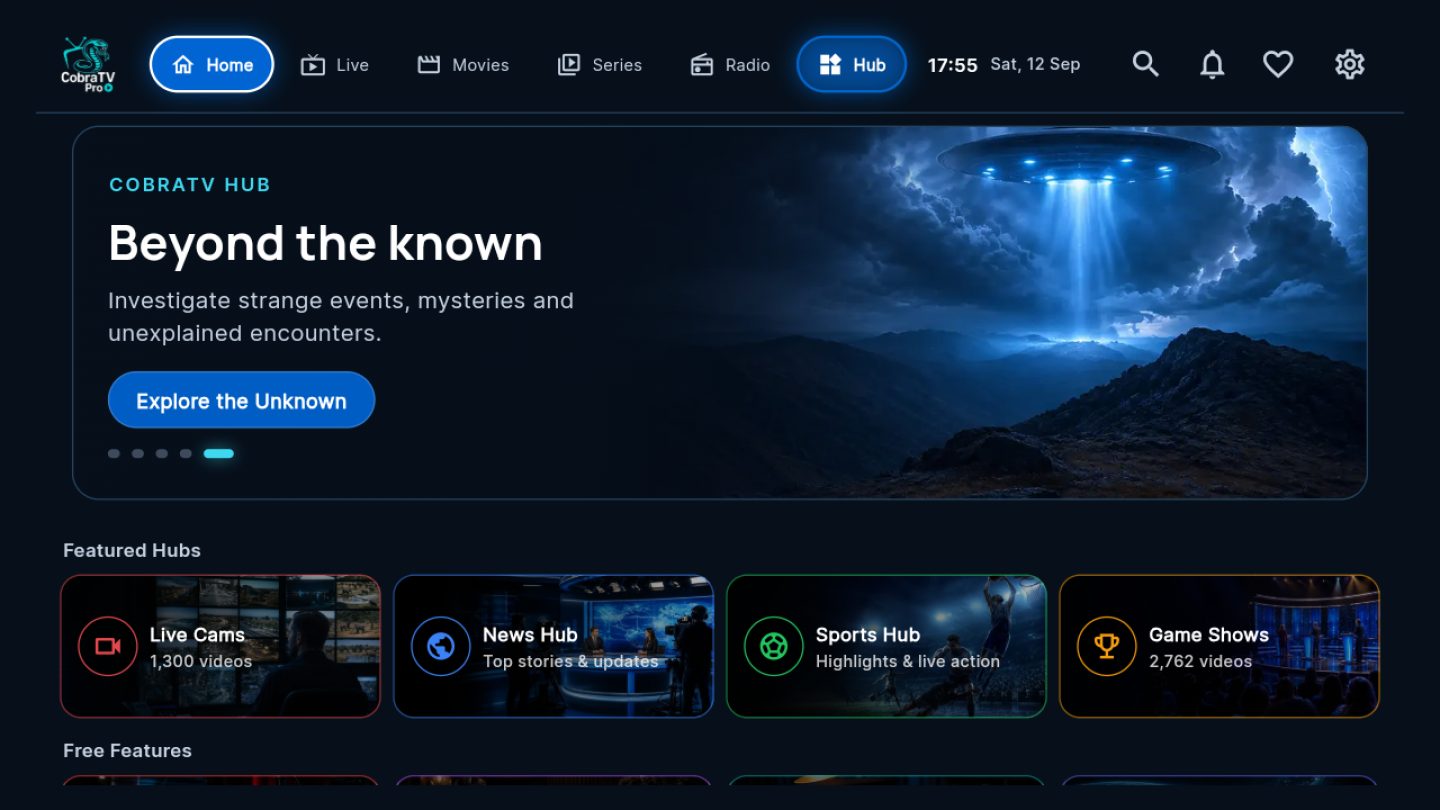
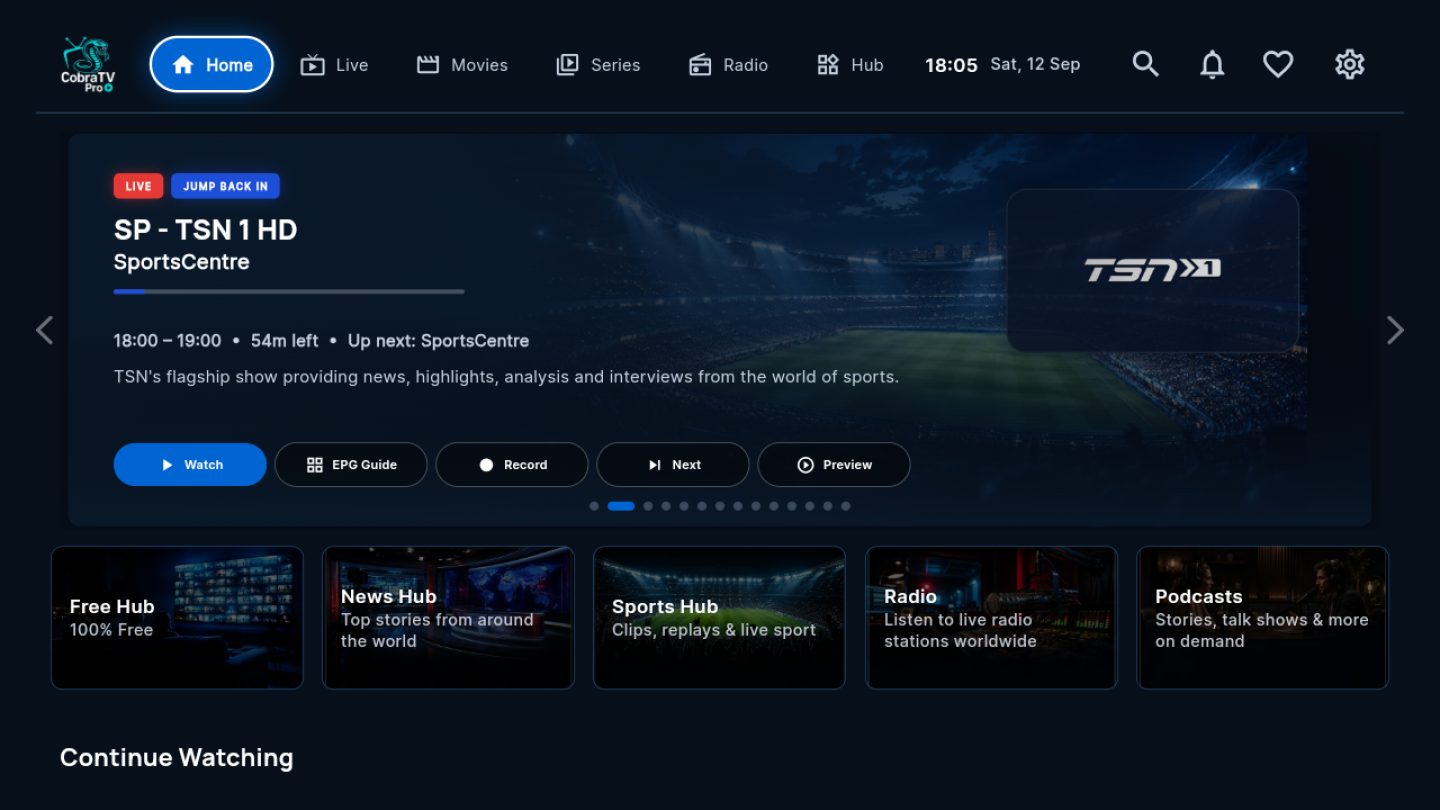
What is CobraTV Pro?
A media player for Android TV, Fire TV, Android phones and tablets, Windows PCs and Macs.
It turns playlists you already have into a smart-TV style library, and keeps every TV in
your house in step.
Does it include TV channels or a playlist?
No. It supplies no channels and no content of its own. You add your own Xtream or
M3U playlist. What you can watch, and how good it looks, comes from that playlist —
not from the app.
Can I use more than one playlist?
Yes. Add as many as you like, switch between them, and see favourites from all of
them together. Each can have its own name, colour and icon.
Which devices are supported?
Android TV and Google TV boxes and televisions, Amazon Fire TV and Firestick,
Android phones and tablets, Windows 10 and 11 PCs, and Macs with macOS 11 or
later (Apple silicon or Intel).
How does the trial work?
Seven days, starting when you first open the app. No card is needed to begin.
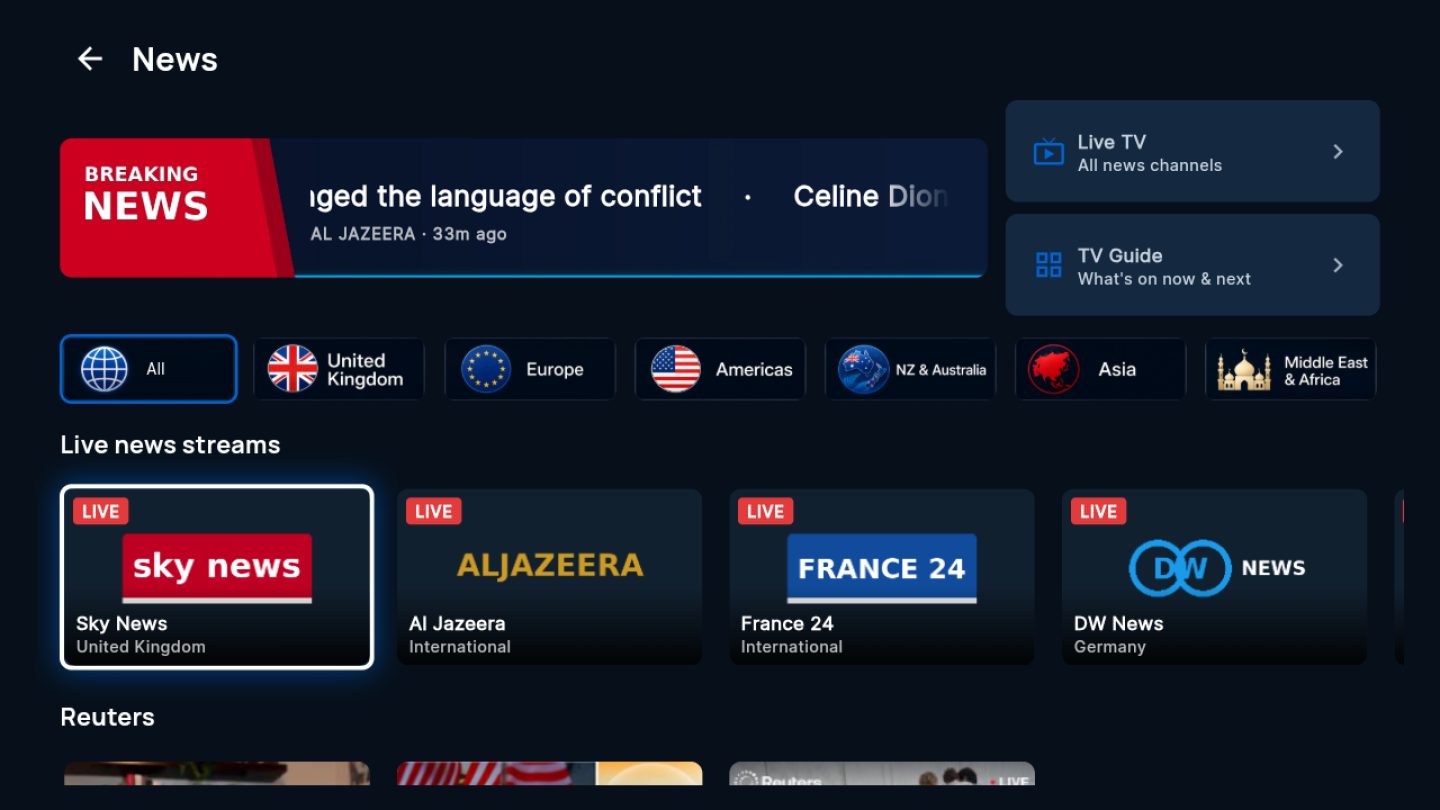
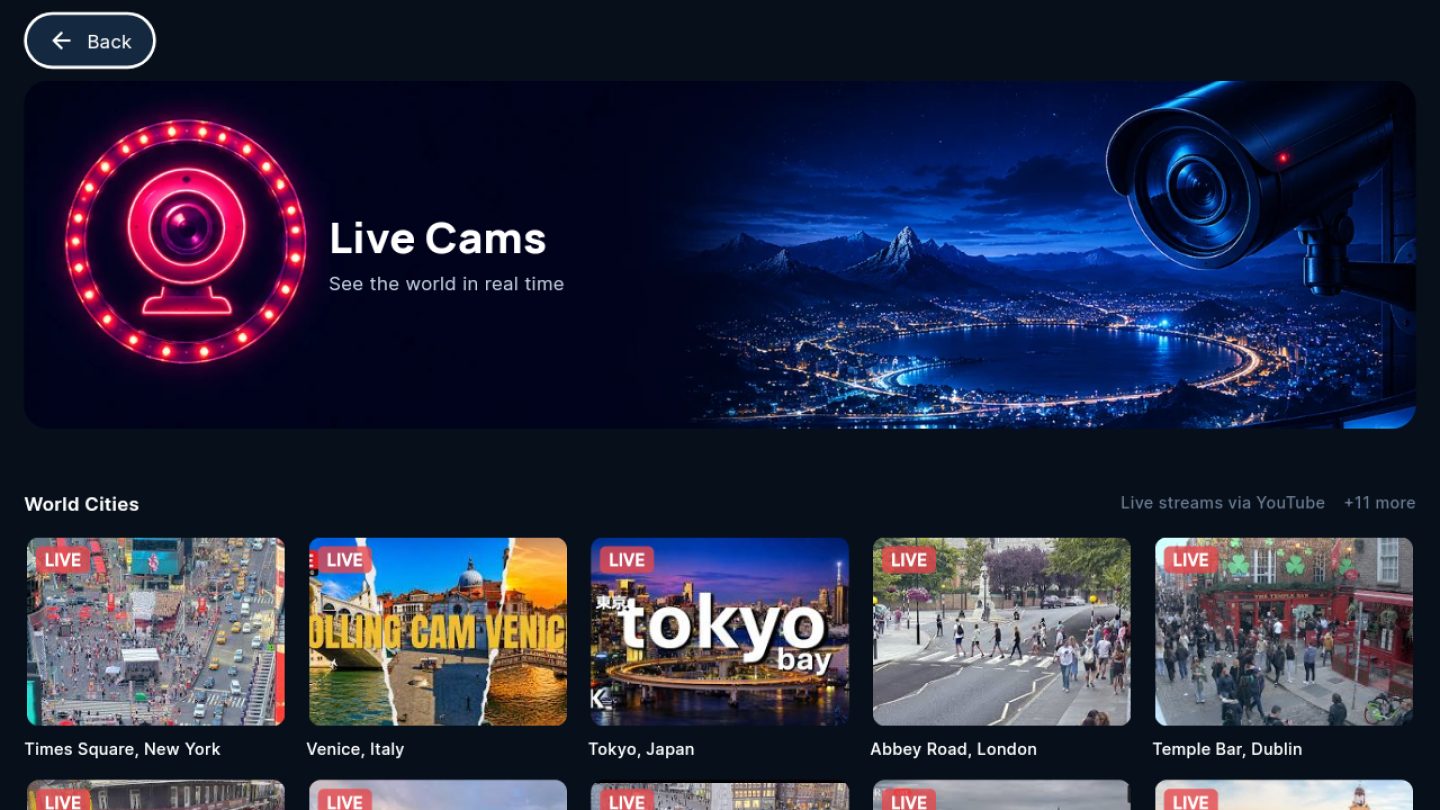
What is in the Free Hub?
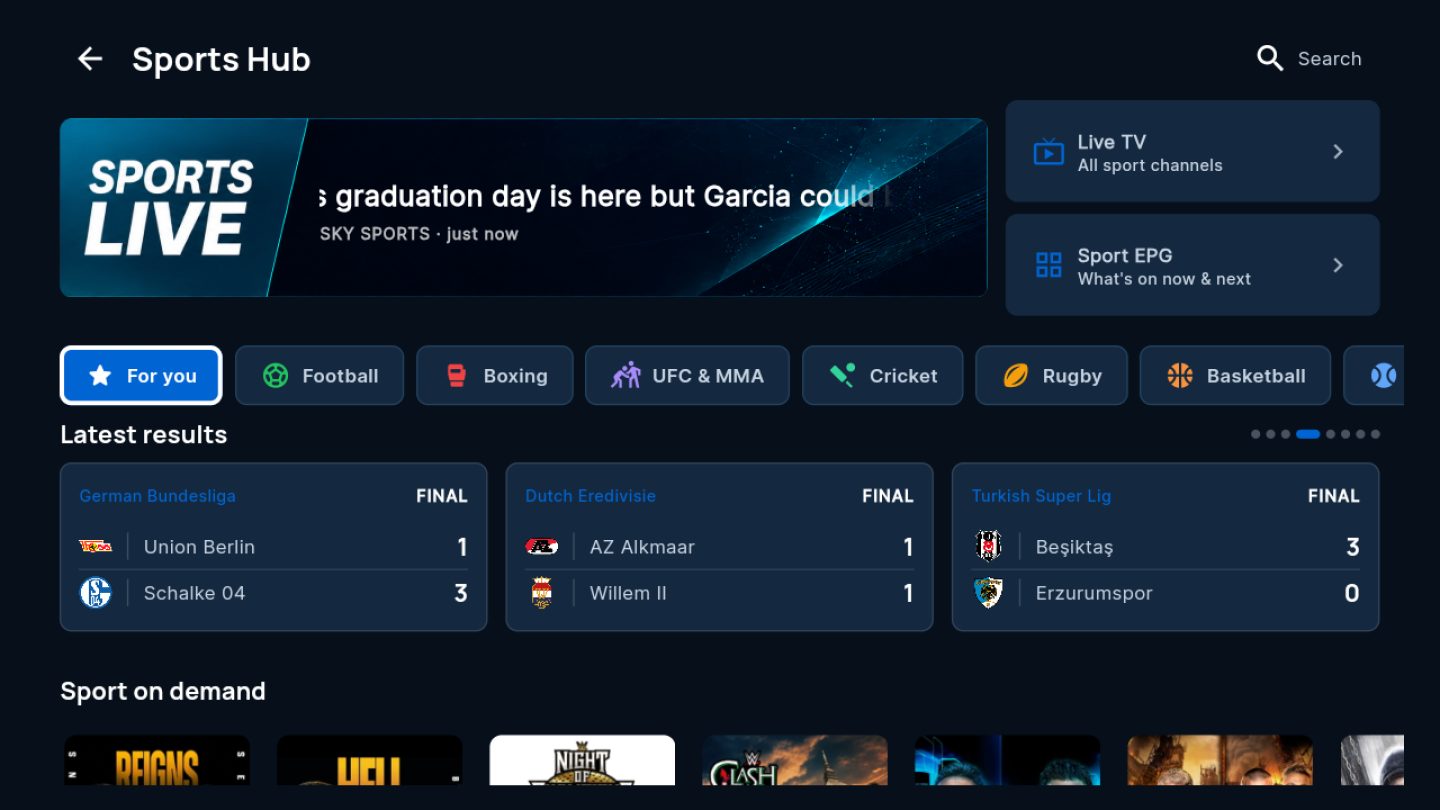
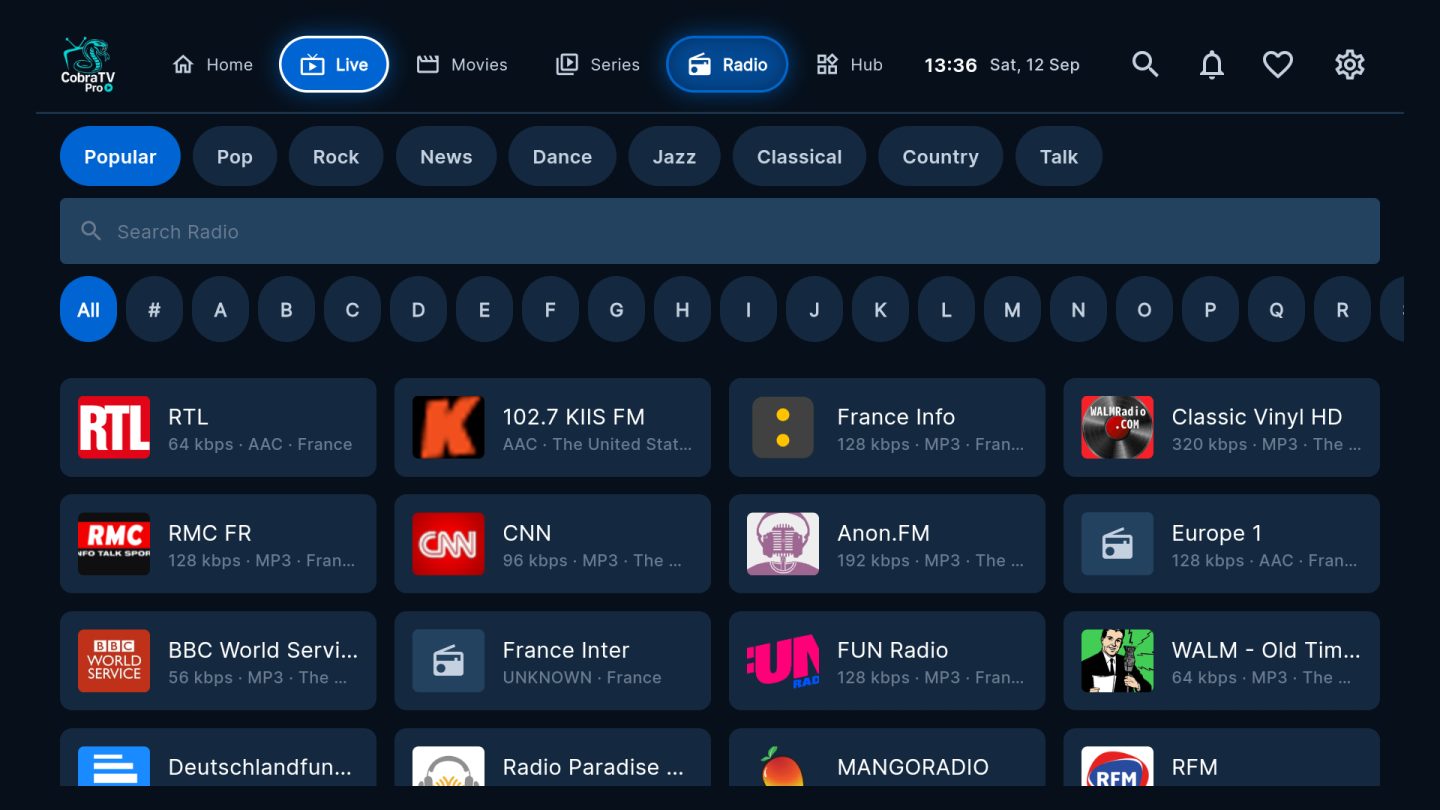
Curated free material that needs no playlist: internet radio, podcasts, audiobooks,
news, live cameras, documentaries, sports results and highlights, game shows, weather,
trivia and more. It is included with the app, keeps working after a trial ends, and is
not a paid channel service.
Can it tell me when a new episode is out?
Yes. Open a series and press Notify me. When a new episode arrives, the bell shows it on
every linked TV. It works with Xtream playlists, follows up to 50 shows, and checks twice
a day or when you press Check now. It's in the Android TV, Fire TV and phone app;
the Windows and Mac apps don't have it yet.
Can I record?
Yes. Record what you're watching, book a programme up to 13 days ahead, or set a repeat for
every day, weekdays, weekends or the days you choose. Recordings go to the device's own
storage or a USB drive; network storage isn't supported. On Android boxes that stay powered,
scheduled recordings run with the TV off, and the app can test your TV for you. Recordings
tidy themselves away after 10 days unless you keep them. Recording two channels at once
depends on how many connections your provider allows.
Can I set it up from my phone?
Yes. Scan the QR code on your TV, or sign in at cobratvnz.com/account with the MAC Address
and Device Key. Add playlists, hide, pin, favourite, group and reorder channels, follow
shows and send a TMDB key. Channel changes reach your TVs within about a minute.
How do updates work?
On Android TV, Fire TV and phones, CobraTV tells you when an update is ready and
installs it from inside the app. The Windows app updates itself. On a Mac, download it
again and choose Replace.
How do annual and lifetime licences differ?
An annual licence renews each year for the number of devices you choose. A lifetime
licence is a single payment with no renewal, and a limited number are available.
Does licensing more devices give me more simultaneous streams?
No — and this catches people out. Your licence says how many devices may run
CobraTV Pro. How many streams you can watch at the same time is set by your
playlist provider. If they allow one connection, one is what you get, whatever the
app is licensed for.